
What is IPTV Smarters Pro? The Complete 2026 App Guide
IPTV Smarters Pro is the most popular IPTV player worldwide. Here's what it does, where it works, and how to set it up.
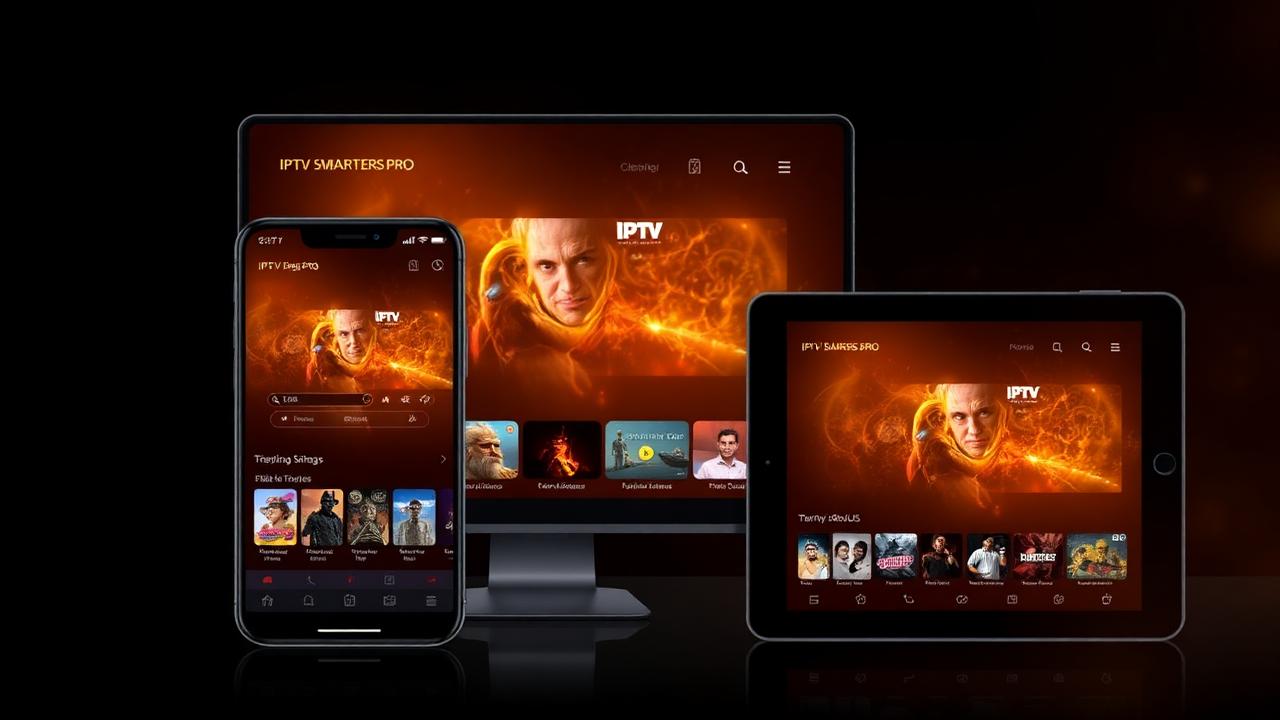
IPTV Smarters Pro is the most installed IPTV player in the world — free, cross-platform, and packed with features that rival paid apps. This 2026 guide covers everything: what it is, where it runs, every key feature, full setup, and how to fix the most common problems.
Key takeaways
- IPTV Smarters Pro is the most popular free IPTV player — Android, iOS, TV, PC, Mac.
- Login via Xtream Codes API gives you the full experience including EPG and VOD.
- Always enable HW+ decoder and a 4–6 second buffer.
- Multi-screen view, catch-up TV, parental controls and external player are all built in.
- On iPhone/iPad, Smarters Player Lite is the App Store equivalent.
1. What IPTV Smarters Pro is
IPTV Smarters Pro is a free IPTV player developed for streaming live TV, movies and series from any IPTV provider that uses M3U playlists or the Xtream Codes API. It supports HLS, MPEG-TS, and most modern streaming protocols.
2. Supported devices in 2026
Android phones and tablets, iPhone and iPad (iOS 14+), Android TV and Google TV, Amazon Fire TV (Stick, Cube, 4K Max), Windows 10/11, macOS 11+, Samsung Tizen and LG webOS Smart TVs (via store version), Formuler boxes. One subscription, all devices.
3. Key features
Multi-screen view (up to 4 streams), full EPG support, 7-day catch-up TV, parental controls with PIN, external player support (MX Player, VLC, Wuffy), Xtream Codes API + M3U URL login, Netflix-style VOD interface, favourites, last-watched history, and continuous-watch resume on series.
4. How to set it up with Xtream Codes (recommended)
Open IPTV Smarters Pro → Add User → Login with Xtream Codes API. Enter the Server URL, Username and Password from your IPTVNX activation email. Tap Add User. The app pulls your full channel list, EPG, VOD and series in under a minute.
5. How to set it up with an M3U URL
Choose Login with M3U URL → paste the playlist URL → name the playlist → tap Add. EPG won't auto-load — paste the XMLTV URL separately under Settings → EPG.
6. Best advanced settings
Settings → Player Settings: enable Hardware Decoder (HW+), set Buffer Size to 4–6 seconds, set Aspect Ratio to 16:9. Settings → General: enable Auto-update EPG, set EPG time format to 24-hour, choose dark theme.
7. Multi-screen view setup
Long-press a channel → Add to Multi-Screen → choose grid (2x1, 2x2). Each tile streams independently — perfect for watching two matches at once. Available on Android TV, Fire TV and Smart TV builds.
8. Catch-up TV inside Smarters
Open Live TV → tap a channel → swipe left to access the EPG → scroll back to any past program → tap. The catch-up recording plays instantly (requires your provider to support catch-up — IPTVNX does on 800+ channels).
9. Parental controls and PIN
Settings → Parental Control → set PIN. Then long-press any channel or category → Lock. PIN prompts on launch and on locked content. Adult content is automatically PIN-locked by default.
10. Common issues and fixes
1) Channels not loading → check internet, refresh the playlist. 2) EPG missing → re-paste XMLTV URL and Update EPG. 3) Buffering → enable HW+ decoding, increase buffer to 6s. 4) App keeps closing → clear cache from Android settings or reinstall.
11. Smarters Pro vs Smarters Player Lite
Smarters Pro is the full app for end users (single playlist via Xtream/M3U). Smarters Player Lite (the App Store version) supports unlimited playlists and is favoured by iOS users. Both work identically with IPTVNX.
Conclusion
IPTV Smarters Pro is the gold-standard IPTV player — free, fast and feature-complete. Combine it with your IPTVNX Xtream Codes credentials and you've built a better TV setup than most cable subscriptions in under five minutes.
Frequently asked questions
Is IPTV Smarters Pro free?
Yes — IPTV Smarters Pro is completely free to download and use. You only pay for your IPTV subscription, not the player.
Which login is better — Xtream Codes or M3U?
Xtream Codes API is better. It loads channels, VOD, series and EPG in one step and updates automatically.
Does IPTV Smarters work on Apple TV?
Yes via the Smarters Player Lite app on tvOS, or via AirPlay from iPhone/Mac.
Why is IPTV Smarters buffering?
Enable Hardware Decoder (HW+), increase buffer to 6 seconds, switch to wired Ethernet, and verify your internet is at least 25 Mbps for 4K.
