Smart TV (Samsung / LG)
- 1Open the app store on your TV
- 2Search for Smart IPTV or SS IPTV
- 3Note the MAC address shown in the app
- 4Send the MAC address to our support — we'll activate your playlist

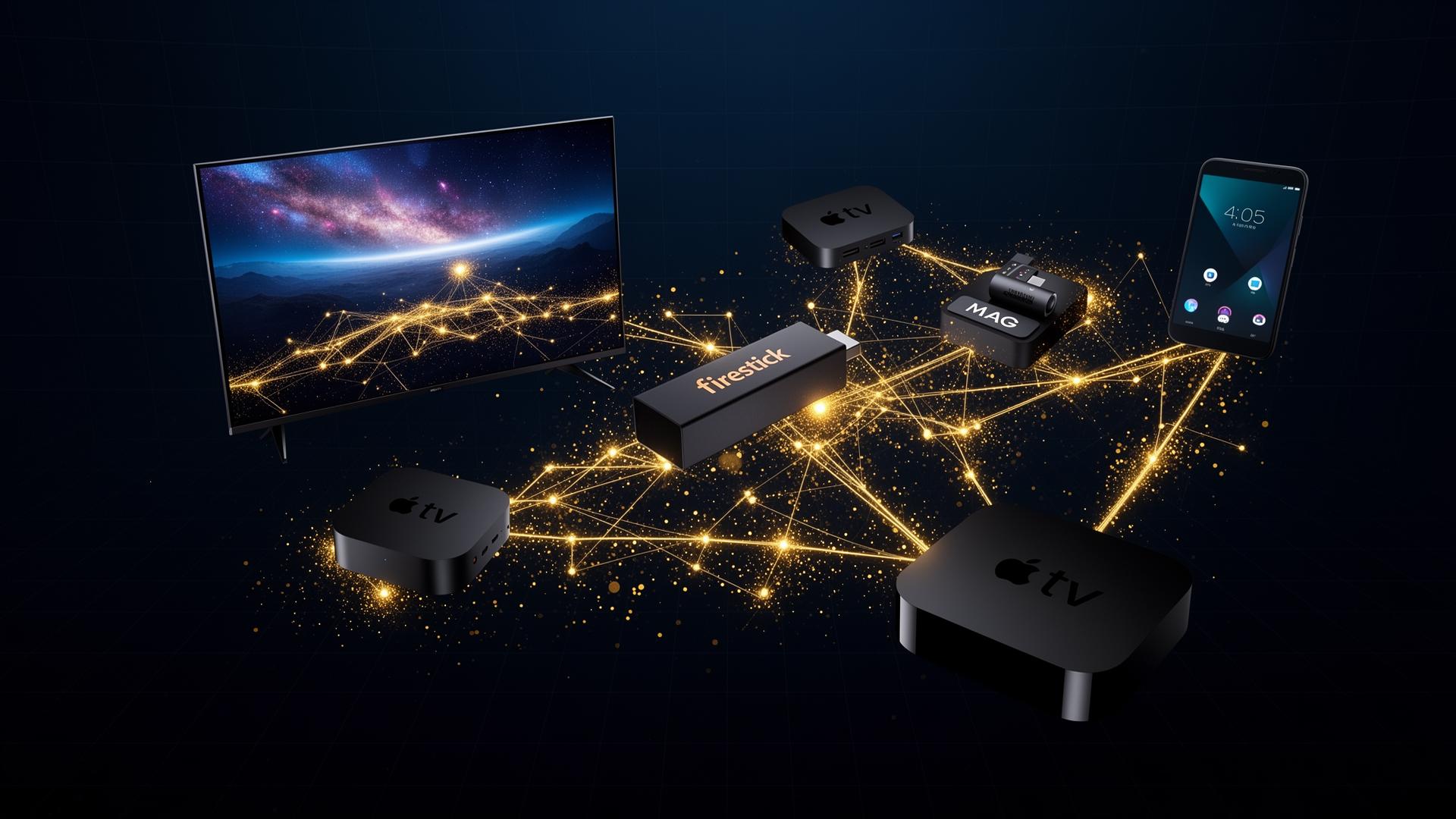
Pick your device or favorite IPTV player below — every guide is written in plain language with screenshots available on request.
Smart TVs
Samsung, LG, Sony & more
Firestick
Amazon Fire TV devices
Android TV
Boxes, phones, tablets
Apple Devices
iPhone, iPad, Apple TV
MAG
MAG 254/322/420 series
PC / Mac
Windows & macOS players
IPTVNX works flawlessly with every major IPTV player on the market.
| Player | Description | Best for |
|---|---|---|
| TiviMate | Premium Android TV player with EPG, recording and multi-playlist support. | Firestick & Android TV |
| IPTV Smarters Pro | Cross-platform Xtream Codes player with parental controls and catch-up TV. | Android, iOS, Windows |
| IBO Player | Lightweight player optimized for Firestick with a clean Netflix-style UI. | Firestick & Smart TV |
| GSE Smart IPTV | Powerful iOS/macOS player with AirPlay, Chromecast and EPG support. | iPhone, iPad, Mac |
| Smart IPTV (SIPTV) | Most popular Smart TV app — works on Samsung, LG, Sony and Hisense. | Smart TV |
| Perfect Player | Mature Windows/Android player with deep playlist customization. | Windows & Android |
Our 24/7 support team will set up IPTVNX on any device for free — usually within 10 minutes.
Type your device — Smart TV, Firestick, Android, Apple TV, MAG…
 Chat with us