What is EPG on IPTV? Complete 2026 Guide to the Electronic Program Guide
EPG turns IPTV from a channel-flipping mess into a true TV experience. Here's how it works, why it matters, and how to set it up correctly.
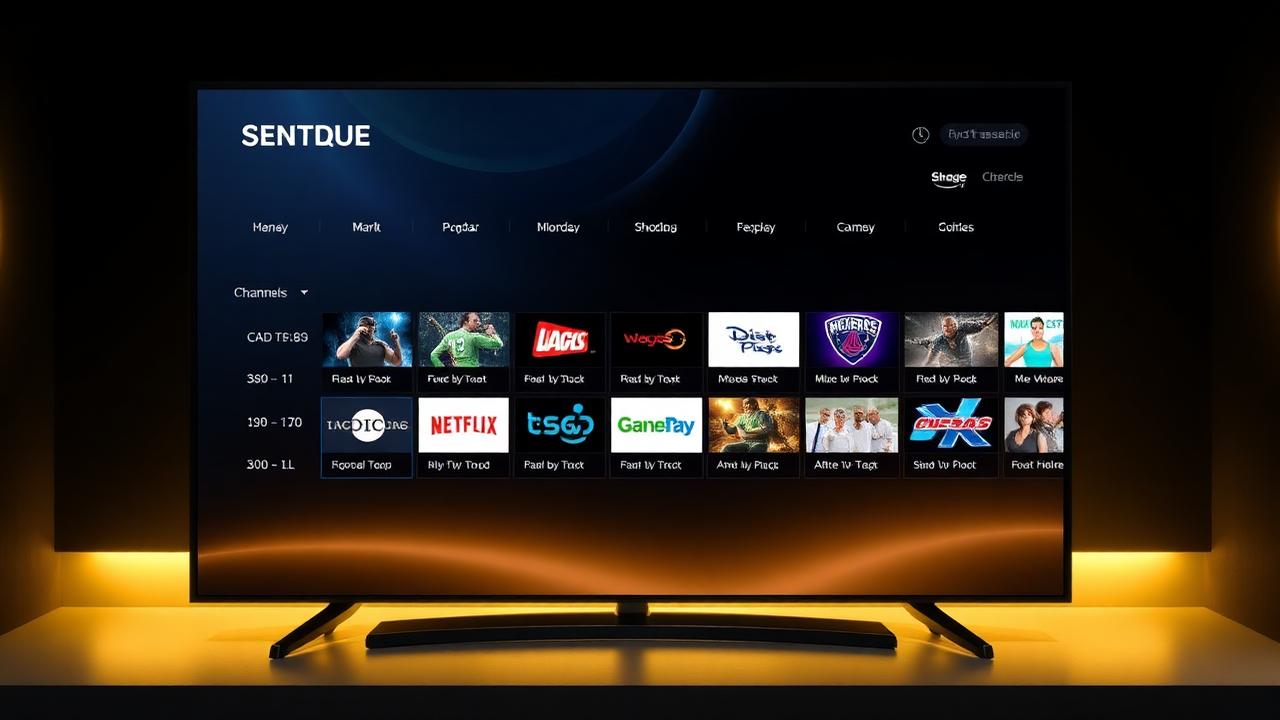
EPG — the Electronic Program Guide — is what separates a real IPTV experience from chaos. Without it, you're guessing what's on. With it, you can browse a full 7-day grid, set reminders, jump to catch-up, and search every channel by show. Here's how it works in 2026.
Key takeaways
- EPG = Electronic Program Guide, delivered as an XMLTV file alongside your M3U.
- It powers the TV grid, catch-up TV, reminders and full search.
- Channel IDs must match between M3U and XMLTV — the #1 cause of broken EPGs.
- IPTV Smarters, TiviMate and XCIPTV all support EPG via a single URL.
- Premium providers keep EPG synced multiple times per day.
1. What EPG actually is
EPG stands for Electronic Program Guide. It's an XMLTV file (typically gzipped, .xml.gz) delivered alongside your IPTV playlist. It lists every program on every channel — title, start time, end time, description, category, sometimes a poster image — for the next 7 days, sometimes 14.
2. Why EPG matters so much
EPG enables four key features: a visual TV grid, reminders for upcoming shows, catch-up TV (rewind any channel up to 7 days), and full-text search across all channels and programs. Without EPG, none of these work — even if your IPTV provider supports them on the server side.
3. How XMLTV pairs with M3U
Your M3U playlist defines the channels (each with a tvg-id). The XMLTV EPG file references the same tvg-ids and attaches the program schedule. If the IDs don't match between the M3U and the XMLTV, you get channels with no guide — the most common EPG problem.
4. How to enable EPG in IPTV Smarters Pro
Open IPTV Smarters → Settings → EPG → Add EPG URL. Paste the XMLTV link from your IPTVNX activation email. Tap Update EPG and wait 30–60 seconds. The guide loads automatically across Live TV, Catch-Up and your channel grid.
5. How to enable EPG in TiviMate
TiviMate → Playlists → your playlist → EPG sources → Add. Paste the XMLTV URL, name it, save. TiviMate refreshes the guide nightly by default — you can force a refresh in Settings → EPG → Update now.
6. How to enable EPG in XCIPTV / IBO Player
Both apps auto-detect the EPG when you log in via Xtream Codes API. If you only have an M3U URL, paste the XMLTV URL into Settings → EPG manually. Restart the app after the first sync.
7. Catch-up TV and EPG together
Catch-up only works when EPG is loaded. Once both are active, just open the guide, scroll back in time and tap any past program — IPTVNX serves the recording instantly. Premium and Ultimate plans include 7-day catch-up on 800+ major channels.
8. Common EPG problems and fixes
1) Wrong channel IDs → use the tvg-id auto-mapping in TiviMate / Smarters. 2) Time shift (programs 1 hour off) → set the correct timezone in app settings. 3) EPG not loading → check the XMLTV URL is reachable in your browser. 4) Partial EPG → switch to your provider's premium EPG URL (IPTVNX provides both).
9. EPG and parental controls
Modern IPTV apps use EPG categories (movies, sports, news, kids, adult) to apply parental locks. Enable Parental Controls in Smarters/TiviMate and choose categories or specific channels to PIN-protect.
10. Why a reliable EPG matters for your subscription
A premium IPTV provider keeps M3U IDs and XMLTV in perfect sync, refreshes the EPG every few hours, and includes posters/descriptions for VOD too. That's the difference between a $5 hobbyist provider and IPTVNX.
Conclusion
EPG is what makes an IPTV subscription feel like premium TV instead of a list of streams. Set it up once with your IPTVNX XMLTV URL and you'll never look at a channel without context again.
Frequently asked questions
What does EPG mean on IPTV?
EPG stands for Electronic Program Guide. It's the digital TV guide showing what's on now, next, and for the next 7+ days on every channel.
How do I add EPG to IPTV Smarters?
Settings → EPG → Add EPG URL → paste the XMLTV link from your provider → Update EPG. It loads in under a minute.
Why is my EPG showing wrong times?
It's almost always a timezone mismatch. Set the correct timezone in your IPTV app settings to fix it instantly.
Does EPG cost extra?
No — a quality IPTV provider like IPTVNX includes EPG free with every subscription.